DIY Computer Troubleshooting Tips Before Calling a Professional


Understanding the Basics
When your computer starts acting up, it can be tempting to immediately call a professional. However, many common issues can be resolved with some basic troubleshooting. Before reaching for the phone, consider trying a few DIY solutions that might save you both time and money.
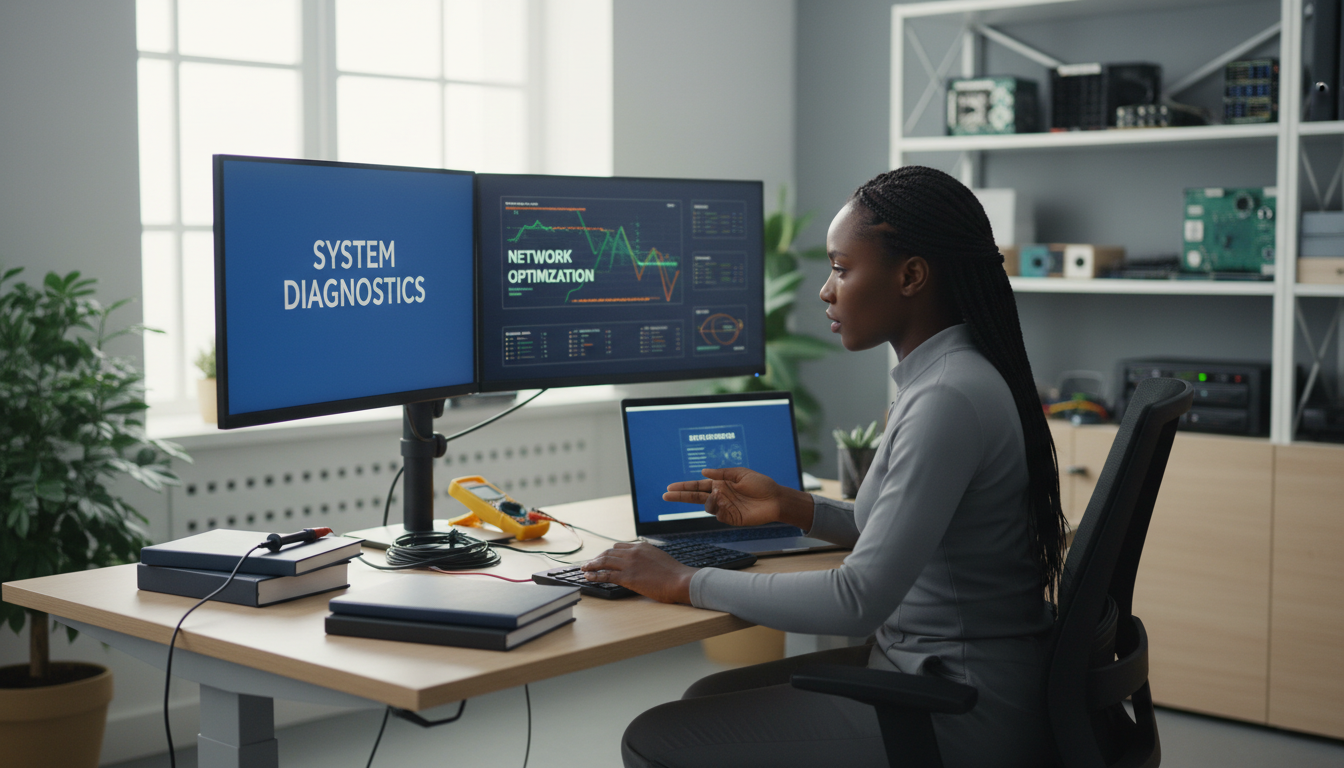
Check Your Connections
One of the simplest yet often overlooked solutions is to check all your cables and connections. Ensure everything is securely plugged in, from your monitor to your keyboard. A loose connection can often be the culprit behind display or input issues.
Restart Your Computer
Never underestimate the power of a good restart. Restarting your computer can resolve a multitude of minor software issues by clearing the system memory and closing any errant processes that might be causing problems.
Software Solutions
Software issues can often mimic hardware problems. Before assuming the worst, consider exploring some software fixes that could get your computer back on track.
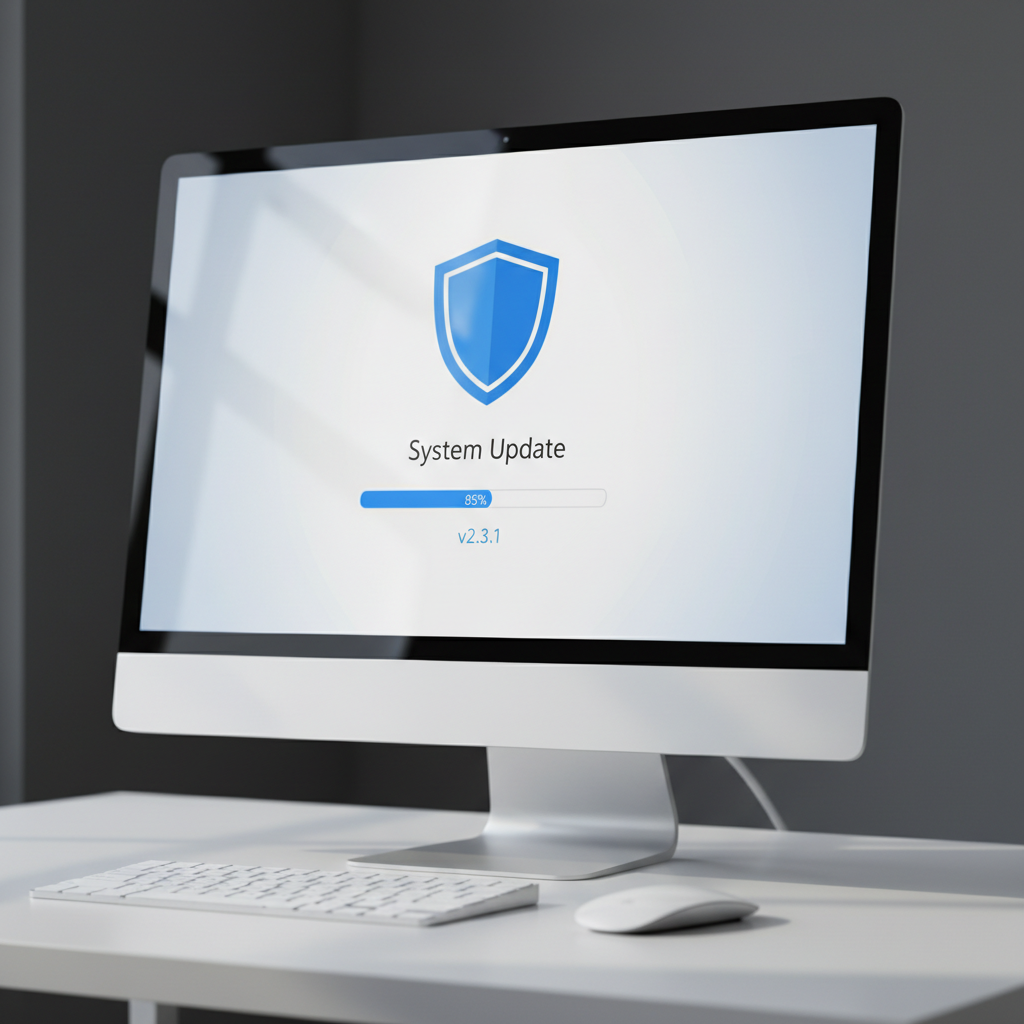
Update Your Software
Outdated software can lead to compatibility issues and bugs. Ensure your operating system and all applications are up to date. Software updates often include vital patches and improvements that can solve underlying problems.
Scan for Malware
Viruses and malware can significantly impact your computer's performance. Use a reliable antivirus program to scan your system for any malicious software. Removing malware can often restore your computer to its previous speed and functionality.
Hardware Checks
If software fixes don’t solve your problem, it might be time to look at the hardware. Simple checks can sometimes reveal the root of the issue.
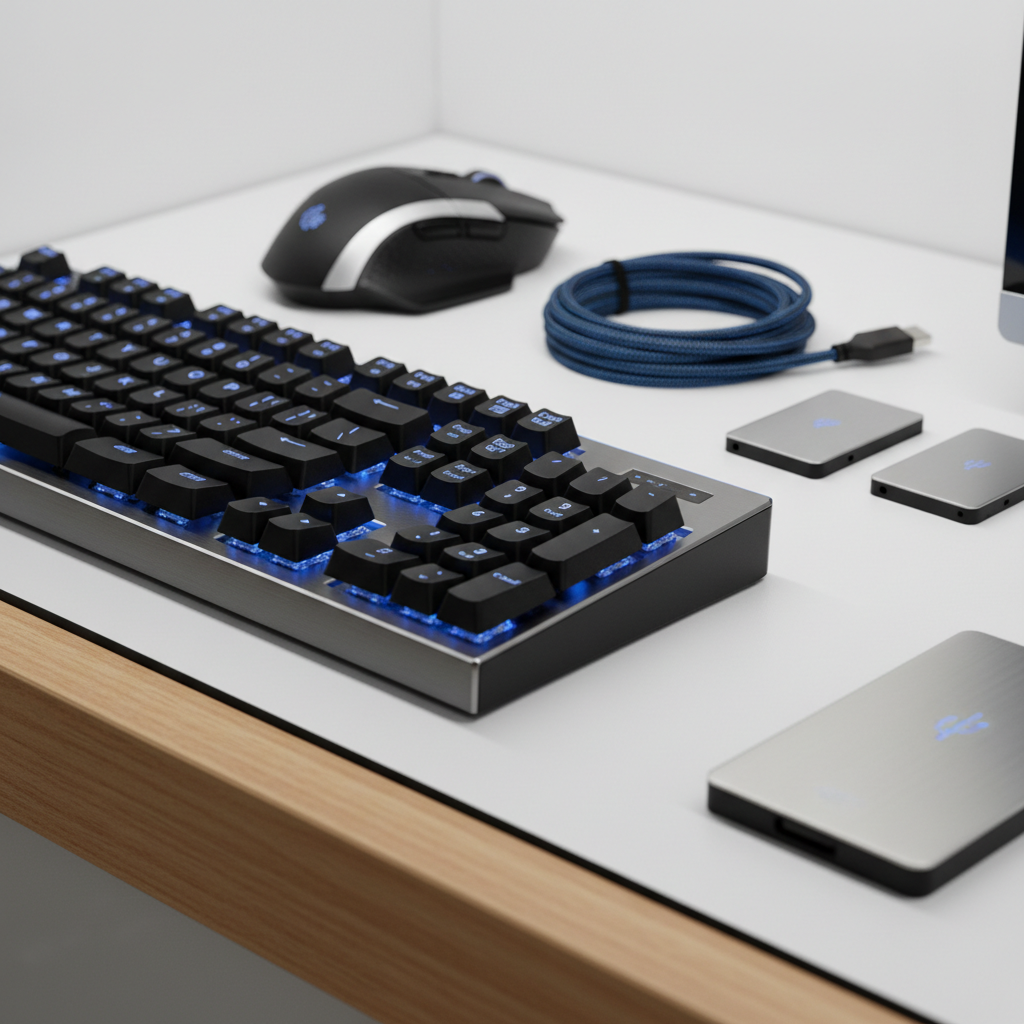
Test Peripheral Devices
Unplug any unnecessary peripheral devices such as printers or external drives, and see if your computer's performance improves. Faulty peripherals can sometimes cause conflicts with your system.
Inspect Internal Components
If you're comfortable opening your computer case, check for dust accumulation, which can cause overheating. Ensure all components, like RAM and graphics cards, are properly seated in their slots.
When to Call a Professional
While many issues can be resolved with basic troubleshooting, some problems require professional expertise. If you encounter any of the following, it's best to call in the experts:
- Persistent hardware failures
- Data recovery needs
- Complex networking issues
Remember, attempting to fix certain issues without the right knowledge can exacerbate the problem.
By following these DIY tips, you can often solve common computer issues on your own. However, don't hesitate to reach out for professional help when needed to ensure your computer remains in good working condition.